


Overview
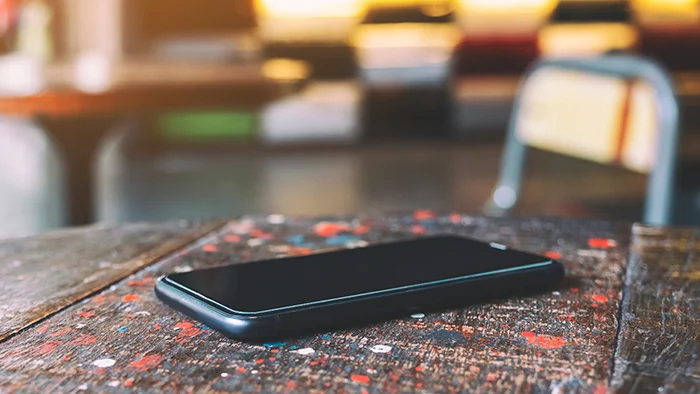
Sometimes, it’s not just people that go missing - devices do too. Losing your phone can be one of those painful moments. Whether it’s misplaced, stolen, or left behind in a rush, recovering it quickly isn’t always easy.
That’s why Eagle Eye is designed to help you stay in control - allowing you to easily track your device, monitor its activity, and take immediate action when needed. So even when your phone is out of reach, your hope isn’t.
Solution
Eagle Eye employs advanced features that help you protect and recover your device in critical situations. Whether your phone is switched off, set to silent, or a thief removes the SIM card, Eagle Eye gives you the control you need to track and recover it.
Location Lock: Eagle Eye automatically signals device location, shares with selected trusted contacts via Email, SMS or WhatsApp.
Device Ring: Allows you to trigger a ring-aloud using your device ringtone using another device even if the phone is set to silent.
LiveFeed: Delivers real-time visual of your device’s surroundings, allowing you to see exactly where it is and who it’s with at any moment.
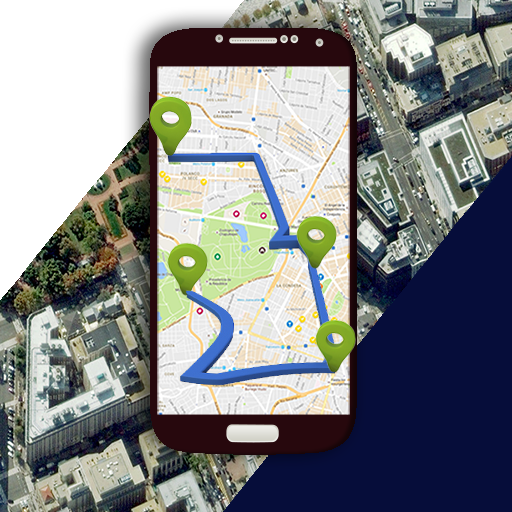
Telecast: You can use the Eagle Eye cloud service to remotely locate your phone, see it timeline and even remote capture.
Scenarios
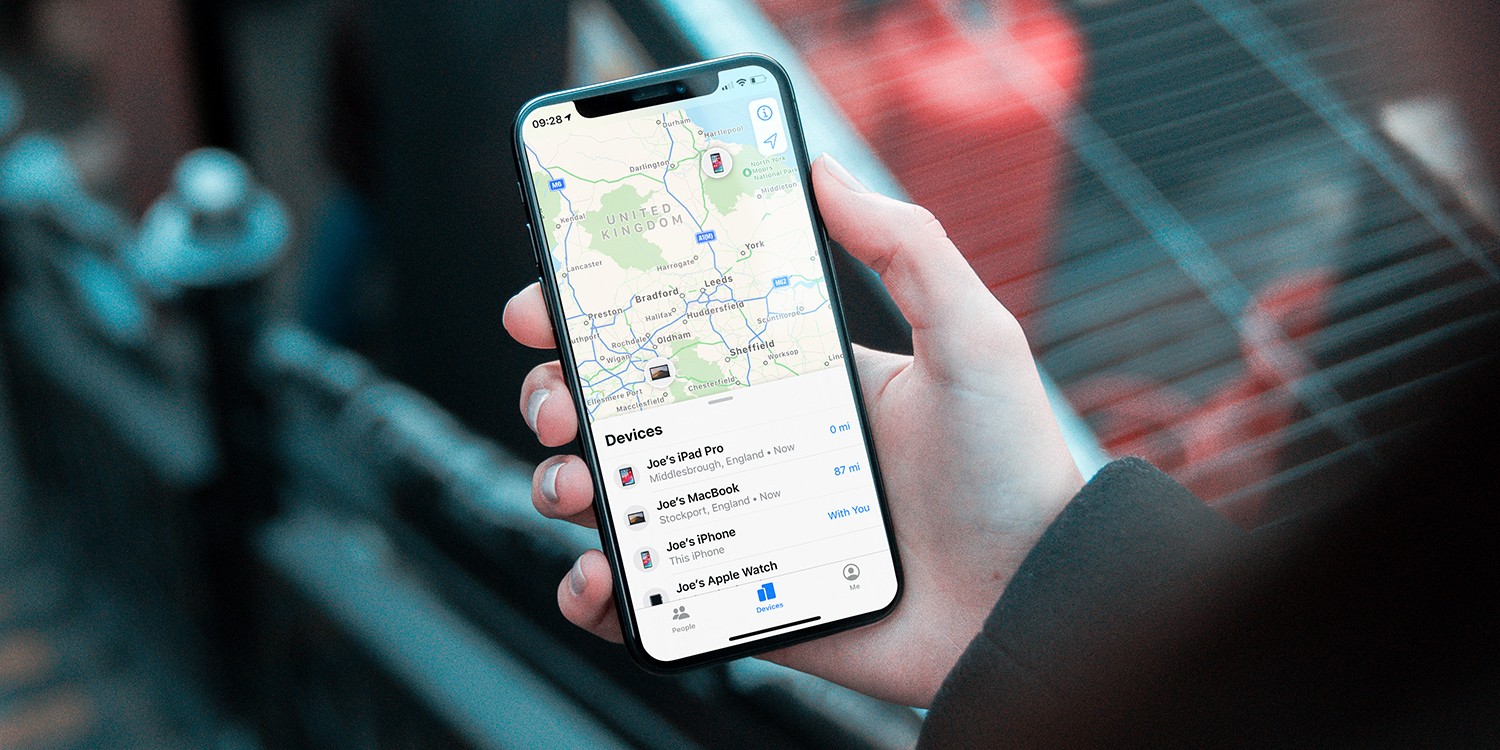
- Lost your phone: Easily locate your device by linking it to the Eagle Eye app on another phone using its unique Device ID, or by using the “Track My Device” feature on the online portal - completely free of charge.
- SIM card removed: Thieves may discard your SIM card, but with Eagle Eye’s remote telecast system, your device will automatically send its current location once it comes back online or is powered on.
- Live remote capture: Silently request on-demand live feeds even when your phone is out of reach. Once the device connects to the internet - The feeds are captured from the device camera and securely sent to you.
Top FAQ 💡
No, an internet connection is required. However, even if the phone is powered off or offline, Eagle Eye still signals the location locally and instantly sends it to you as soon as it connect online or regains limited connectivity.
This feature lets pre-approved contacts or guardians remotely request on-demand streams from your device’s camera. You don’t need to manually accept the connection - as long as you’ve granted Eagle Eye the necessary permissions, the feed can be accessed automatically to help monitor your safety in real time.
You’ll notice the Eagle Eye icon blinking green  on the app home screen. This indicates that your device is actively communicating with Eagle Eye secure servers. If you suspect unauthorized access to your Device ID, please contact our support team immediately. We’ll verify ownership and help secure your device under the Eagle Eye Protection Program.